 AI Generated
When an AI deployment disappoints, the cause is rarely the AI. More often, a camera is mounted too high, pointed into glare, fogged by dust, or covering a zone it was never meant to analyse. Analytics can only interpret what the camera shows it.
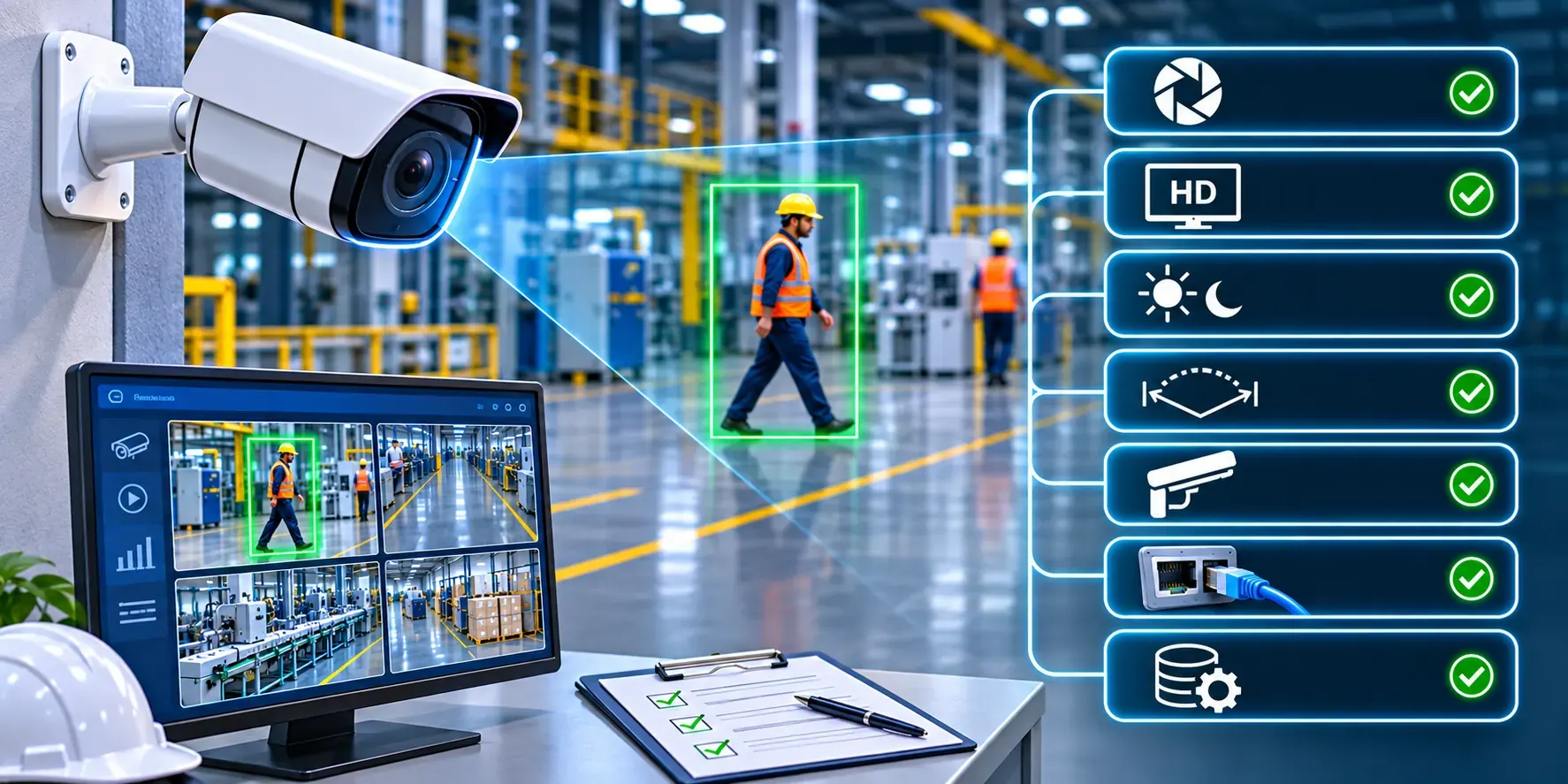
Before you pilot industrial video analytics, audit the cameras you already own. This seven-point readiness check helps plant and IT teams decide which cameras are ready, which need adjustment, and which are better left as plain recording cameras.
Why Audit Before You Deploy
Industrial estates are large and numerous. Official data up to 2023, as reported by Daily Pioneer, put India at 3,34,000 registered factories employing over 19.1 million workers. Many of these sites installed CCTV years ago for after-the-fact review, with camera positions chosen to cover a general area, not to support automated detection.
Recording for evidence and watching for events are different jobs. The first tolerates a wide, distant view. The second needs the subject to be clear enough to interpret reliably. That gap is why a short audit pays for itself, and it is the reason CCTV Patrol is designed to connect to your existing NVR and IP cameras: you reuse what works and fix only what does not.
The Seven-Point Audit
1. Define the Camera’s Job
Give every camera a role: for example, machine zone, restricted door, loading bay, storage aisle, gate, or general overview. A camera with no defined role cannot be judged. Roles also let you apply the same rules consistently across similar areas, a principle explored in AI Surveillance for Manufacturing: A Smart Factory Approach.
Pass: the camera has one primary role and its field of view matches it.
2. Check Field of View and Mounting Angle
Look at live footage from the viewpoint of the event you want to detect.
- Is the subject fully visible (a person’s upper body for PPE, a doorway for entry events)?
- Is the angle steep downward so people appear as tops of heads? That hides helmets, vests, and faces of PPE and makes posture hard to read.
- Do pillars, racks, or machinery block the area?
Pass: the event you care about is clearly visible without obstruction, at a workable angle.
3. Test Lighting Across the Whole Shift Cycle
Check footage at dawn, midday, dusk, and night. Look for glare from windows or welding, deep shadows, backlit doors, and flicker. CCTV Patrol’s homepage shows detection working in low-light, night-vision footage, but results depend on how good the underlying image is.
Pass: the subject remains readable at the lighting level of the worst hour for that area.
4. Verify Resolution at the Target Distance
What matters is how many pixels cover the subject at the distance where the event happens, not the camera’s headline megapixel number. A rule of thumb used in surveillance design guidance (such as IEC 62676-4 tiers for detecting, observing, recognising, and identifying) is that more pixels per metre supports more detailed judgements. PPE and SOP checks need more detail than simple presence detection. Ask your vendor what pixel density their rules need for each event type, and measure your cameras against it during the pilot.
Pass: the subject has enough pixels for the specific rule, confirmed by the vendor’s recommendation.
5. Inspect the Physical Environment
Industrial settings are hard on cameras:
- Dust, oil mist, or steam on lenses and domes
- Vibration shifting aim over time
- Heat or cold affecting performance
- Insects and cobwebs triggering false changes in night mode
Pass: lenses are clean, mounts are secure, and the camera’s housing suits its environment. Add a cleaning schedule for dusty zones.
6. Review NVR Streams and Load
Analytics reads video streams, so the NVR and network need headroom.
- How many concurrent streams can the NVR serve?
- Are cameras recording at settings that suit analytics (resolution, frame rate, compression)?
- Do any cameras drop frames or show freezing?
Check these with your IT team and your analytics vendor during integration planning. CCTV Patrol connects to the NVR and IP cameras, so stream availability is central to a smooth deployment.
Pass: the NVR serves the required streams reliably without dropped frames.
7. Check Time Sync and Naming
Alerts and reports are only as trustworthy as their timestamps and labels. Confirm that:
- Camera and NVR clocks are synchronised.
- Cameras have clear, consistent names that match zone names used in alerts, such as “Packing Line 2 – Entry”.
Pass: timestamps agree across devices and names map cleanly to zones.
Scoring Your Cameras
Create a simple sheet with one row per camera and a pass/needs work/fail mark for each point.
| Camera | Role | Angle | Light | Resolution | Environment | Stream | Time/Name | Verdict |
|---|---|---|---|---|---|---|---|---|
| Gate-01 | Gate entry | Pass | Needs work | Pass | Pass | Pass | Pass | Adjust lighting |
| Line2-03 | Machine zone | Fail | Pass | Pass | Needs work | Pass | Pass | Re-aim, clean |
Verdicts fall into three buckets:
- Ready: use for analytics now.
- Fixable: re-aim, clean, add lighting, or adjust settings.
- Not suitable: keep for recording, or replace only where the use case justifies it.
Most plants find that a majority of cameras fall into the first two buckets, which is why a retrofit approach usually beats a wholesale camera upgrade.
Prioritise Cameras by Value
Do not try to fix everything. Rank cameras by the value of the events they cover and start with the top 4 to 6:
- Restricted or high-hazard zones
- Entry points and gates
- Storage and high-value material areas
- Key production stations
- Everything else, later
Compact sites may be served by Patrol EDGE (up to 6 to 7 cameras), while industrial plants with 8+ cameras typically need the ELITE class, as shown under product variants.
Use the Pilot to Validate the Audit
An audit predicts, and a pilot confirms. Run selected cameras in observation mode for one to two weeks, then compare alerts with what supervisors observed. Cameras that produce confusing or unreliable results go back into the “fixable” bucket. For how detections become alerts, see From Observe to Alert.
Common Audit Findings
- Cameras aimed for coverage, not detail. Fix by re-aiming or adding a second camera for the critical zone.
- Backlit doorways. Adjust exposure settings or add lighting.
- Dirty or fogged domes. Add routine cleaning.
- Overloaded NVRs. Rebalance streams or upgrade the recorder where necessary.
- Inconsistent camera names. Standardise before rules are built.
Conclusion
Industrial video analytics is only as good as the picture it reads. A seven-point audit of role, angle, lighting, resolution, environment, streams, and timestamps tells you which cameras are ready now, which need a quick fix, and which should stay as recorders. Do that first, then pilot on the highest-value cameras. To have your camera setup assessed, request a demo.
FAQs
Usually not. Many existing cameras work after small fixes such as re-aiming, cleaning, or lighting changes. CCTV Patrol connects to your existing NVR and IP cameras.
It depends on the event. Presence detection needs less detail than PPE or SOP checks. Ask the vendor for per-rule requirements and test during a pilot.
Differences in angle, lighting, distance, dirt, and stream quality change what the AI can see, even when the rule is identical.
Four to six high-value cameras, chosen by the importance of the events they cover.
Not necessarily. The homepage shows detections on night-vision footage, but image quality still matters, so test your worst-lit zones.
At least twice a year, and after any layout, lighting, or process change.
Your cameras already see everything. Patrol makes them understand everything.
Transform surveillance footage into actionable intelligence. Receive real-time alerts, ensure SOP compliance, and protect people, assets, and reputation.